AI-Generated Code Performance Optimization & Production Hardening Guide
Why AI-Generated Applications Suffer from Performance Degradation
When prompting AI coding tools for quick features, the models prioritize simplicity over computational efficiency. Common patterns include fetching entire database tables to filter a handful of records in JavaScript, installing massive 500KB npm packages for simple string operations, and adding 'use client' directives indiscriminately across Next.js component trees.
Over time, these compounding inefficiencies degrade Largest Contentful Paint (LCP) and Interaction to Next Paint (INP), driving up bounce rates and cloud hosting bills.
Tackling Next.js Bundle Bloat & Unnecessary Client Components
In modern Next.js 16 applications, Server Components should handle data fetching and initial markup generation. Converting client-heavy components into lean Server Components dramatically shrinks initial JavaScript bundle sizes downloaded by mobile browsers.
Dynamic imports (`next/dynamic`) should be leveraged for heavy third-party libraries (such as charts, canvas tools, and rich-text editors), ensuring they load only when requested.
Database Query Tuning: Fixing N+1 Queries & Missing Indexes
AI-generated ORM queries frequently trigger N+1 query cascades inside loops. For example, fetching 50 blog posts and executing 50 separate queries to fetch author avatars and tag relations.
By enforcing eager loading with relations, adding compound indexes on frequently queried columns, and writing targeted database selections, query latency can be slashed from 800ms to under 15ms.
Implementing Redis & Edge Caching Layers
Static assets and read-heavy API endpoints should be cached at the edge or stored in an in-memory Redis layer. Setting up proper stale-while-revalidate headers allows your application to handle traffic spikes effortlessly without stressing primary database servers.
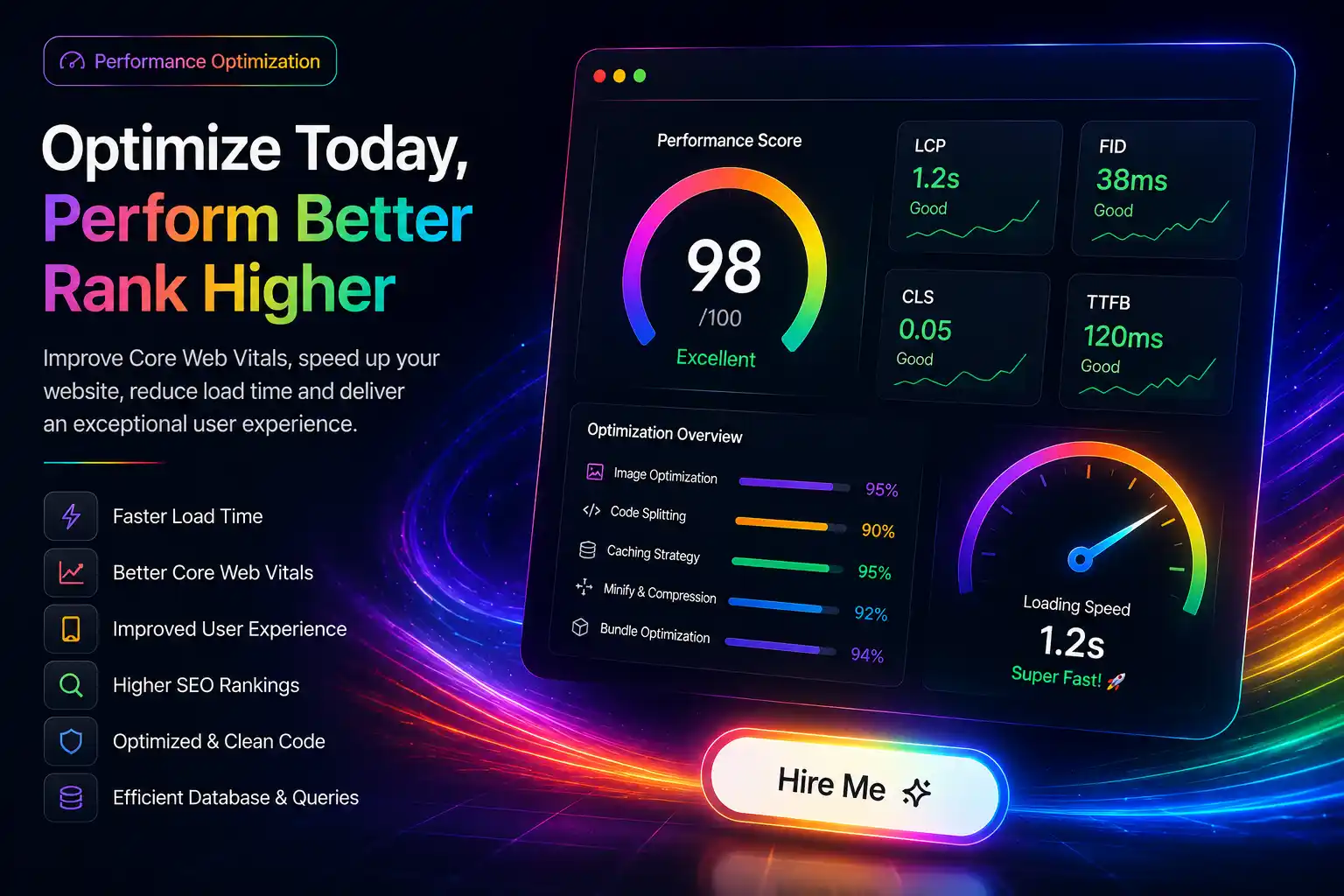
Passing Core Web Vitals (LCP, INP, CLS)
Optimizing font loading with `next/font`, specifying explicit image dimensions to prevent layout shifts (CLS), and deferring non-critical scripts ensures your web app passes Google's Core Web Vitals thresholds with flying colors.
Need Engineering Review for Your Project?
Written by Prakash Solanki • Senior Full Stack & AI App Engineer
Optimizing an AI-built application doesn't require rebuilding from scratch. Targeted profiling and experienced refactoring deliver 3x–10x speedups within days. Explore our AI App Performance Optimization service to audit and accelerate your web application.